Amazon listing, aadhi mehnat mein.
ListKaro Pro Chrome extension aapke saved product profile se Seller Central ka listing form bhar deta hai, har tab mein. Title, bullets aur search terms AI se. Aap check karo, aur submit aap hi karo.
Ek baar ka payment · 7 din mein refund · 2 devices
Ek product chuno, phir Autofill dabao.
Ye demo hai: sample product, sample price, simple form. Asli extension aapke apne saved profile se aapke Seller Central ke form ke fields bharta hai. Submit button aap khud dabate ho.
Galti, submit se pehle.
Listing quality check title ki length, mana kiye gaye shabd, repeat words, bullets ki ginti aur search terms ke bytes dekhta hai, aur batata hai kya theek karna hai.
Pehle
Sujhaav
Title formula: Brand + Product + Feature + Pack / Colour / Size. Title ke shabd search terms mein dobara mat daalo.
Baad mein
Limits jo tool check karta hai woh aam taur par lagne wale limits hain (jaise title 200 characters, search terms 250 bytes se kam). Kai categories mein alag hote hain; apni category ka style guide Seller Central Help mein zaroor dekho.
Bundle ke 5 tools
Seller Central ka form khud bhar jaaye.
Autofill: product profile ek baar save karo (title, brand, price, MRP, HSN, weight, bullets…). Form ke har tab mein fields bhar jaate hain. Aap check karke submit karte ho.
Title, 5 bullets aur search terms, AI se.
AI listing copy: title, 5 bullet points, description aur backend search terms, aam limits ke andar. Aapki apni Groq API key se chalta hai; aap edit karke chuno.
Submit se pehle listing ka check-up.
Listing quality check: title length, promo words, repeat shabd, kam bullets, search terms ke bytes. Sab ek list mein.
Price rakhne se pehle fee aur profit ka andaaza.
Profit & fee calculator: referral %, closing fee, shipping aur fees par GST aap daalo, har unit ka andaazan profit dekho. Ye estimate hai, asli fee aapke rate card se.
Kisi bhi product page par ek nazar ka research.
Product Lens: jo product page aap kholte ho, uska BSR, "bought in past month" wali line aur ek rough monthly sales estimate, ek chhote panel mein.
Profit aur fee ka andaaza
Andaazan ₹132 bachenge, har unit par
Rates aap badlo: referral fee %, closing fee ₹, shipping ₹, aur fees par 18% GST → kul fees ₹165, margin 26%.
Ye sirf aapke daale numbers ka hisaab hai, Amazon ki fee nahi. Default rates sirf example hain. Asli fee aapki category, price, weight, fulfilment method aur current rate card par depend karti hai; returns, packing aur ads alag se jodo. Extension mein bhi yahi calculator hai, rates aap set karte ho.

Payment se listing tak.
Pehle ₹199 do, key turant milegi.
Razorpay se UPI, card ya netbanking. Payment hote hi screen par licence key, aur WhatsApp/email par bhi.
Phir Chrome mein extension lagao.
Install link thank-you page par. Extension kholo, key paste karo. AI ke liye apni Groq API key daalo (optional). Ek licence key 2 devices par chalti hai.
Ab Seller Central kholo, Autofill dabao.
Product profile chuno, form ke tabs bhar jaate hain. Aap check karte ho, photos lagate ho, submit karte ho.
Saath mein do PDF, bilkul kaam ke.
- BasicsProduct, offer aur attributes; duplicate page kyun nahi banana
- TitleFormula, examples, aur woh rules jo title ko safe rakhte hain
- 5 bulletsHar bullet ek buyer ke sawaal ka jawab; do aur don't
- A+ basicsDescription, A+ modules, Brand Registry ki zaroorat
- Search termsBytes ka limit, Hindi ke 3 bytes, kya daalein, kya nahi
- ImagesMain image ke rules aur images 2–7 ka simple plan
- PriceMRP, HSN, handling time, fees ka hisaab kahan se
- 20-point checkSubmit se pehle ki list, aur 10 aam galtiyan
- ApprovalsGated categories, asli invoices, rejection ke baad kya karein
- BrandApna brand, Brand Registry, "Generic", aur reselling
- GST / HSNGSTIN, HSN, TCS, TDS, fee invoices: CA se kya poochhein
- LabelLegal Metrology ki aam declarations: MRP, net quantity, address
- LicencesFSSAI, BIS/QCO, cosmetics, AYUSH: kis product mein kya
- ClaimsKaunse claims listing ko mushkil mein daalte hain
- Launch list13 tick-boxes aur apna product record sheet
Koi "secret ranking trick" ya income guarantee nahi. Sirf aam best practice, saaf-saaf likhi hui. Rules badalte rehte hain, isliye har PDF bolta hai: Seller Central Help mein verify karo, tax ke liye CA se poochho.
Haath se, ya ListKaro Pro se.
₹0
Haath se, aur aapka time
₹199
ListKaro Pro, ek baar
Payment Razorpay se (UPI, card, netbanking). Key payment ke turant baad screen par milti hai. AI features ke liye Groq account aur API key aapki apni; uske charges aur limits Groq ke hain.
ListKaro Pro abhi naya hai.
Isliye hum aapko fake reviews ya "5,000 sellers" jaisi ginti nahi dikhayenge. Jo dikhayenge woh asli hoga. Tab tak: demo khud chala ke dekho, aur kaam na aaye toh 7 din mein poora paisa wapas.
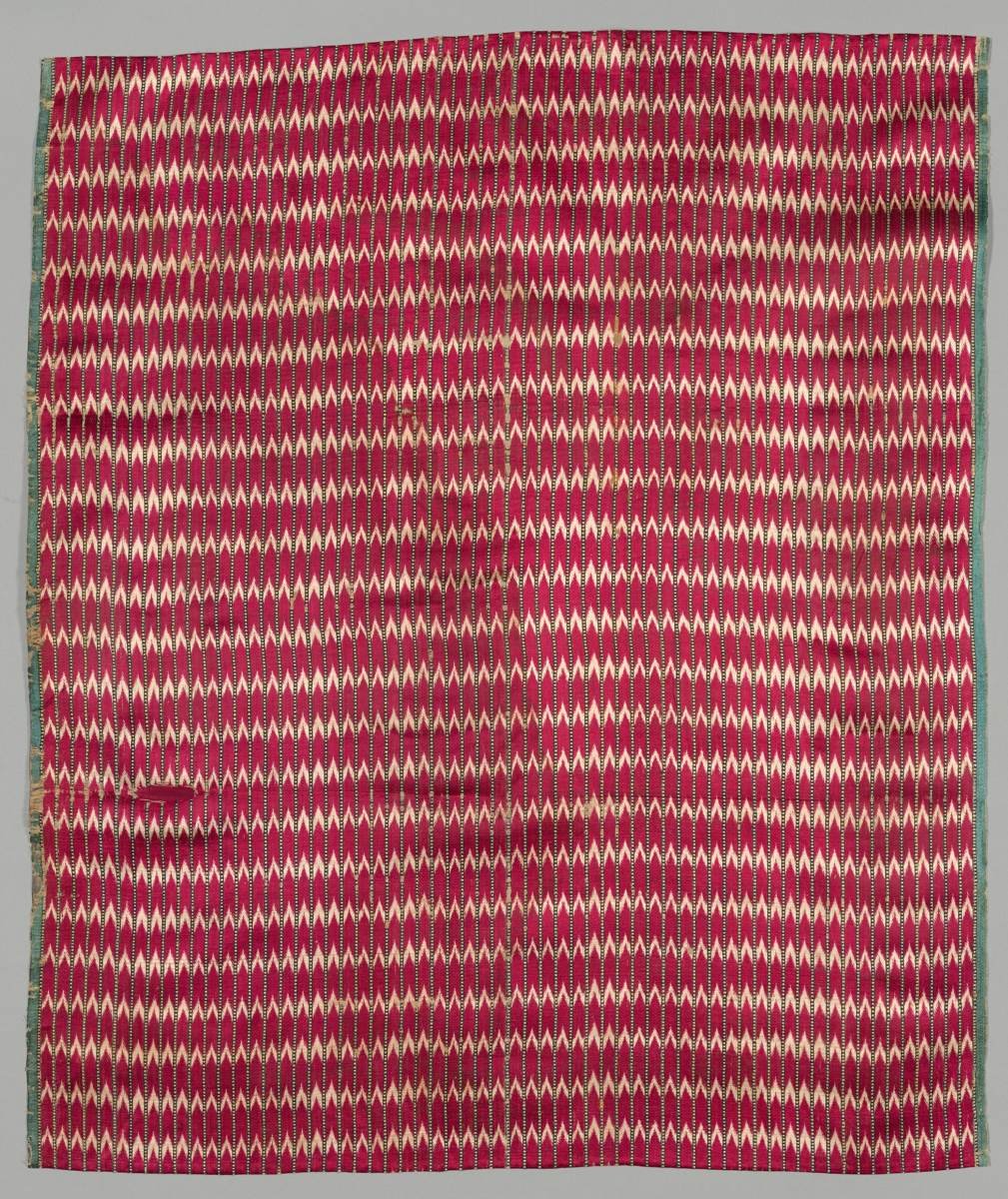
Picture: Mashru textile fragment, Surat, 19th–early 20th century, Cleveland Museum of Art, CC0.
Aam sawaal
- 5 tools ek Chrome extension mein: Seller Central autofill, AI listing copy (title, 5 bullets, description, search terms), listing quality check, profit & fee calculator aur product-page Lens, plus 2 PDFs: Listing Playbook aur Category & Compliance Checklist.
- Nahi. ListKaro Pro ek independent tool hai; Amazon se iska koi rishta nahi aur Amazon ne ise endorse nahi kiya. Ye aapke browser mein, aapke apne login se khule Seller Central page par form bharne mein madad karta hai.
- Nahi. Tool sirf fields bharta hai. Har field aap check karte ho, photos aap lagate ho, aur submit button aap khud dabate ho. Listing ki zimmedari seller ki hi rehti hai.
- Apni Groq API key (groq.com par account bana ke). Key aapke browser mein save rehti hai aur AI text seedha Groq se aata hai. Groq ke charges aur limits Groq ke hain. AI ke bina bhi autofill, check, calculator aur Lens chalte hain.
- Dono andaaza hain. Calculator wahi rates use karta hai jo aap daalte ho; asli fee Seller Central ke rate card se confirm karo. Lens sirf woh dikhata hai jo khule product page par likha hai (BSR, "bought in past month"), aur sales estimate ek rough andaaza hai, pakka number nahi.
- Nahi. Extension kabhi aapka password ya OTP nahi maangta. Hamare server se sirf licence key check karne ke liye baat karta hai.
- 2 devices. Extension laptop/desktop ke Chrome (ya Edge, Brave) par chalta hai. Naya laptop liya? WhatsApp karo, purana device hata denge. Ye website aur PDFs mobile par bhi khulte hain.
- Haan, ek baar, koi monthly fee ya auto-renewal nahi. Khareedne ke 7 din ke andar WhatsApp ya email par order ID bhejo; poora paisa usi payment method mein wapas, aam taur par 5–7 working days mein. Key band kar di jaati hai.
- Tool aapka listing ka time bachata hai aur galtiyan pakadta hai. Sales aur ranking aapke product, price, photos, reviews aur service par depend karte hain. Koi bhi tool iski guarantee nahi de sakta, hum bhi nahi.
5 tools ek Chrome extension mein: Seller Central autofill, AI listing copy (title, 5 bullets, description, search terms), listing quality check, profit & fee calculator aur product-page Lens, plus 2 PDFs: Listing Playbook aur Category & Compliance Checklist.